
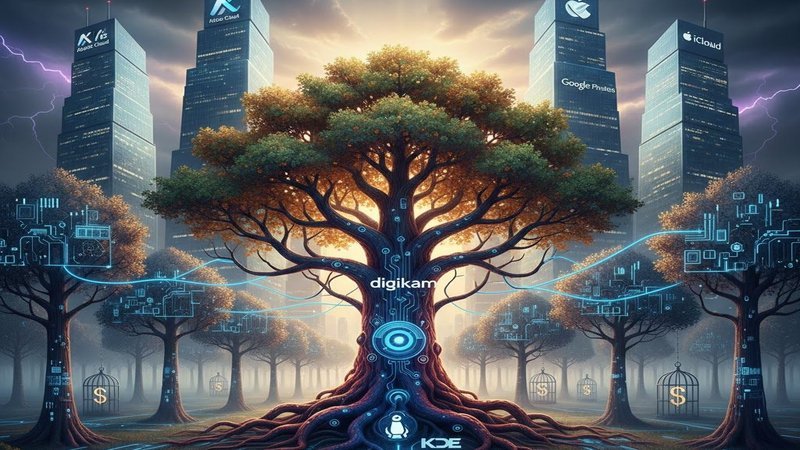
So, you’ve been searching for a solution to the “digital quicksand” that comes with a growing photo library—that moment where you realize your precious memories are scattered across three different hard drives and buried under a mountain of cryptic filenames. We’ve all been there, staring at a folder of 10,000 “IMG_8234.JPG” files, wondering if there’s a way to actually own our data without paying a monthly rent to a cloud giant. With this article, we’re taking a look at digiKam and why you might want to consider using it.
From Linux Roots to a Global Standard
Launched in 2001, digiKam didn’t start as a flashy commercial product. It was a grassroots effort by the KDE open-source community to solve a very specific problem: how to handle professional-grade photography on a Linux system. Over the last two decades, it has evolved into a cross-platform beast. While other software has come and gone, digiKam has remained a constant, purely because it’s built by people who actually take photos and care about where those photos live.
Its $0 vs. The “Subscription Trap”
In 2025, the software landscape is dominated by monthly fees. If you want the industry standard, Adobe Lightroom, you’re looking at roughly $120/year for life. Stop paying, and you lose access to your development modules.
-
digiKam Cost: $0. It is free and open-source (FOSS).
-
Comparison: Unlike its paid rivals, digiKam doesn’t gatekeep features. You get the full professional database, RAW processing, and AI tools without ever putting a credit card on file.
True Data Sovereignty
The “real” value of digiKam isn’t just the price tag; it’s sovereignty. Most modern apps want to lock your metadata (the tags, ratings, and face data) inside their proprietary database. If you leave them, your work stays behind. DigiKam treats your metadata as yours. It uses open standards (XMP, IPTC, EXIF) to write your organization directly into the files or sidecars. This is vital for any long-term archive. If digiKam vanished tomorrow, every other pro-level app could still read your tags.
The Breakdown
The Pros
-
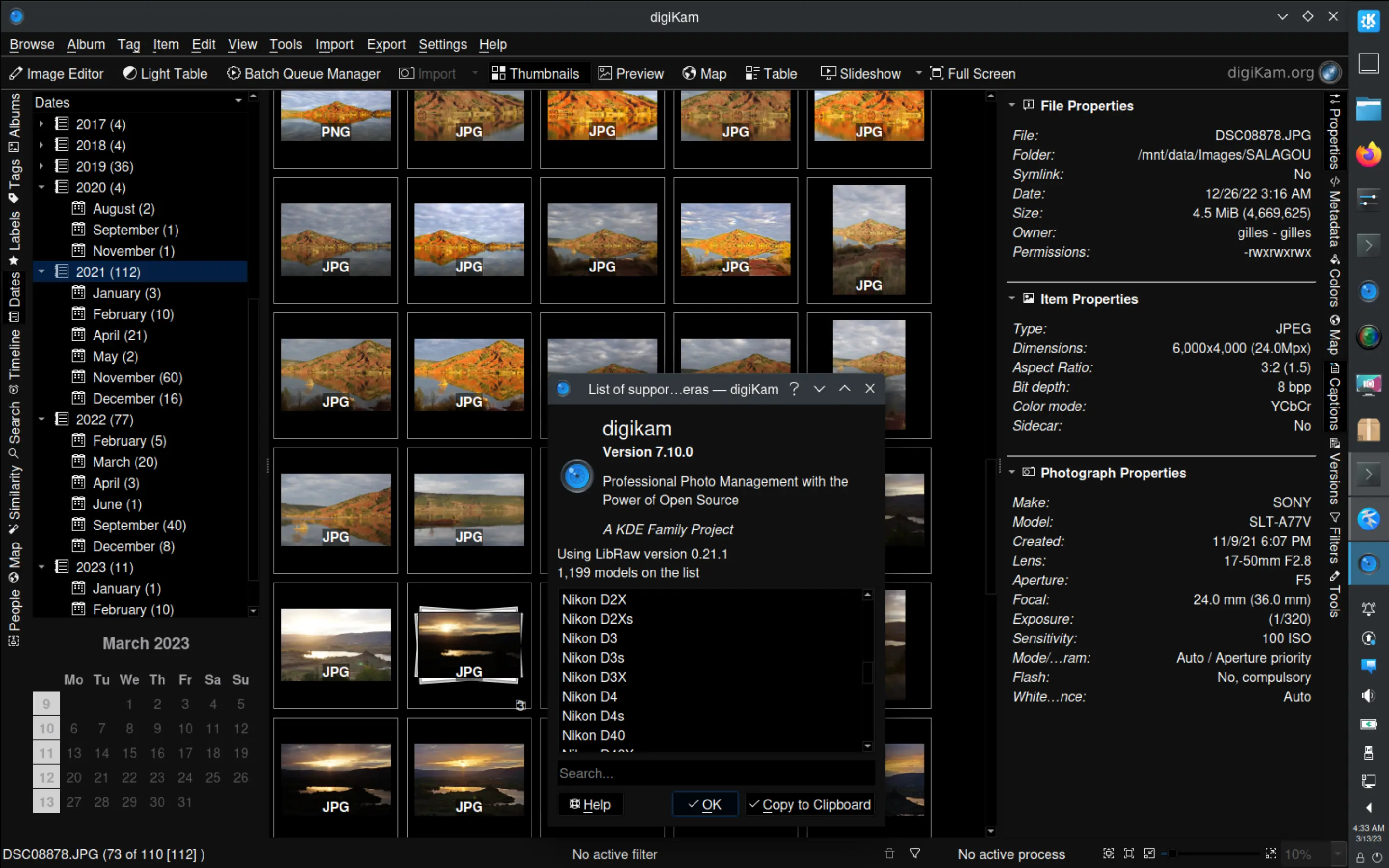
Massive Scalability: It handles 100,000+ images with ease, using a robust SQLite or MariaDB backend.
-
Local AI Integration: Version 8.8+ features deep neural networks (YOLOv11 and EfficientNet) for face detection and auto-tagging—all of which run locally on your machine. No cloud, no privacy leaks.
-
Metadata Mastery: It offers the most granular metadata editing tools on the market.
-
[p4] Plugin Potential: For developers and power users, the plugin architecture (KIPI) allows for custom integrations, such as linking your library to an OpenAI-compatible API for advanced vision analysis.
The Cons
-
The “Ugly” Factor: It prioritizes utility over beauty. The UI is dense and can feel overwhelming with its nested menus and numerous sidebars.
-
Steep Learning Curve: This is not a “one-click” app. It expects you to know what a RAW file is and how a database functions.
-
Image Editor Limitations: While the editor is powerful, it lacks the fluid, non-destructive “feel” of Lightroom’s Develop module.
A “Must-Have”?
If you are a casual smartphone shooter who just wants a few filters, skip digiKam—it’s like trying to fly a 747 to get to the grocery store.
However, if you are a serious hobbyist or a professional who values privacy, longevity, and total control over a lifetime of work, digiKam is absolutely a must-have. It is the ultimate insurance policy for your digital history. It isn’t the prettiest tool in the shed, but it is undoubtedly the strongest.










Leave a Reply