
Wouldn’t it be nice to save your vibe coding time– you’ve probably spent hours wrestling with complex workflows, desperately trying to get AI to actually do something useful, not just spit out vaguely relevant text. I’m guessing you’ve battled with cryptic CLI commands; it’s a nightmare, honestly. Configuration sprawl that makes your head spin – seriously, who designs this stuff?
And the constant feeling that you’re rebuilding the same damn thing in every repository. Maybe you’re staring down the barrel of “agentic work” – the promise of AI that actually feels like a product – but it’s currently just a terminal full of frustration.
OpenWork is an open-source alternative to Claude Cowork, powered by OpenCode, and it’s designed to cut through the noise. Ultimately, it’s about making “agentic work” feel like a product, not a terminal.

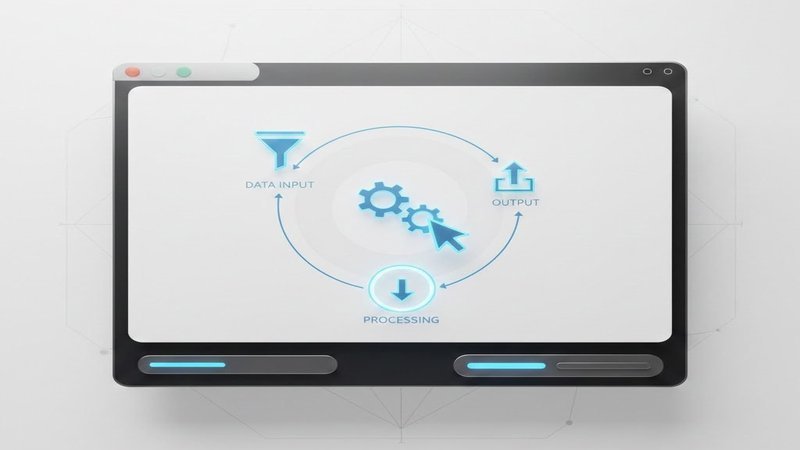
OpenWork isn’t another CLI-based AI tool; it’s a native desktop application – think macOS or Windows – that leverages the power of OpenCode under the hood. This means you get the raw processing muscle of OpenCode, but presented in a clean, guided workflow. No more fighting with configuration; OpenWork handles that for you.
It’s like having a smart assistant that actually understands what you’re trying to do. Seriously, this is a big deal.
Extensible And Auditable
The core design philosophy here is extensibility and transparency; it’s key. OpenWork is built around installable skill and opencode plugins, allowing you to tailor the system to your specific needs. Plus, you can see exactly what’s happening – when, why, and how – thanks to detailed execution plans and permission tracking. It’s about knowing what’s going on under the hood, not just blindly trusting the AI; you need to be in control.
— This is where you take the reins.
Local or Remote – Your Choice
OpenWork isn’t locked into a single server. It works seamlessly both locally on your machine and remotely, connecting to existing OpenCode servers. This flexibility gives you control over where your data lives and how you access your workflows. You can run it on your laptop, or deploy it on a server – the choice is yours.
It’s all about having options, right?














Leave a Reply