
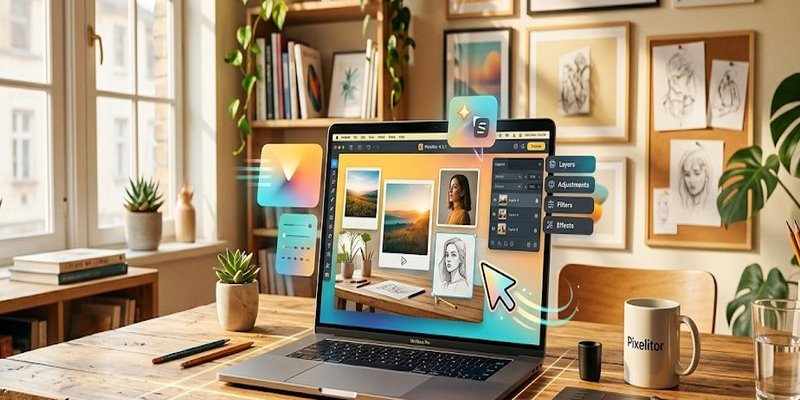
if you’ve done any work with graphic editors, most feel like a cluttered, frustrating mess. They’re like those overly complicated kitchen gadgets you buy, promising to revolutionize your cooking, only to end up gathering dust in the corner. But what if I told you there’s an image editor that’s actually…intuitive?
I’m talking about Pixelitor 4.3.1, and it’s a surprisingly delightful little beast. And simple to install.
Core Features & Tech Specs
Pixelitor 4.3.1 is built around the concept of non-destructive editing, which is a big deal. It means you can tweak, transform, and generally mess with your images without ever actually changing the original file. Think of it like a digital safety net for your creativity.
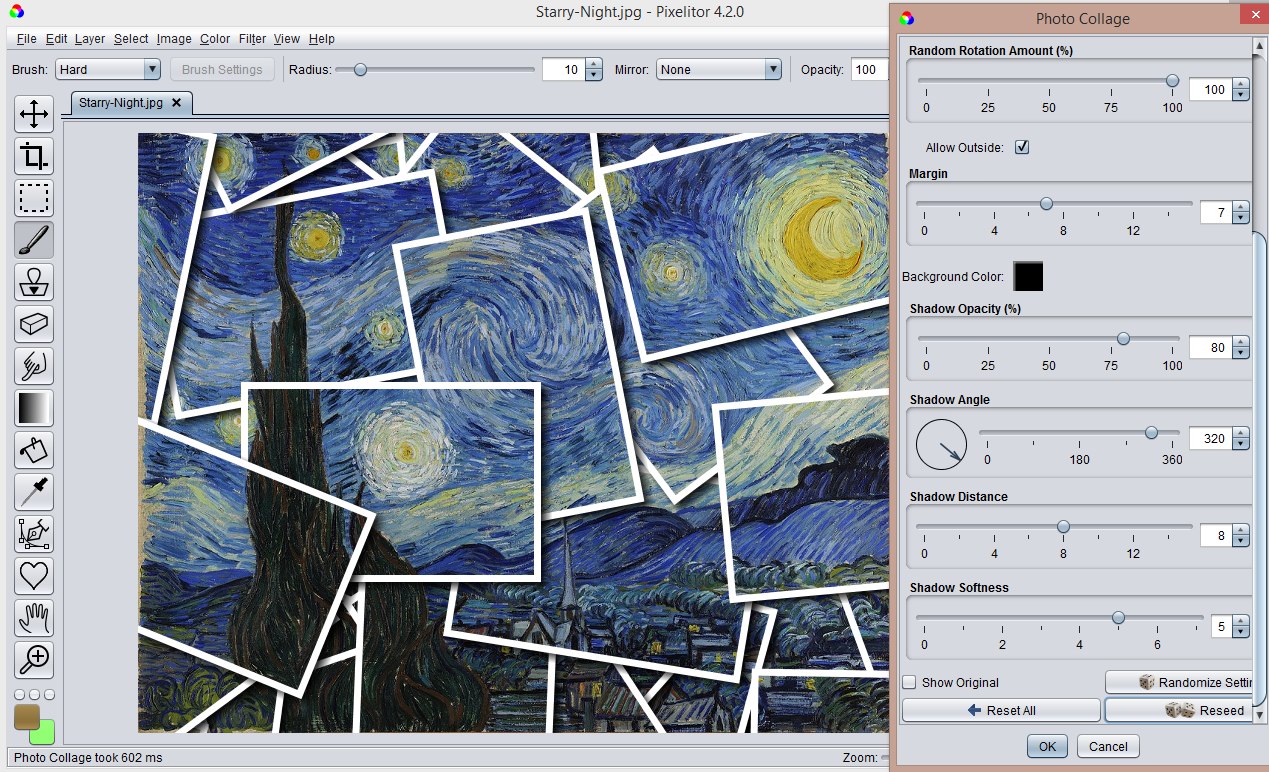
The software boasts a robust set of tools, including support for layers, masks, and a frankly impressive collection of over 110 image filters and color adjustments. You can even add text layers, which is surprisingly useful for adding titles, annotations, or just plain messing around with typography.
Recent updates have introduced experimental support for adjustment layers, smart objects, and smart filters – essentially, giving you the power to do even more complex, non-destructive editing. It’s a smart move, letting them stay ahead of the curve without sacrificing the core simplicity.
Installation & System Requirements
Getting Pixelitor 4.3.1 up and running is remarkably straightforward. The software is available for Windows, macOS, and Linux, offering a decent level of cross-platform compatibility. The download process is simple, and the installation is quick and painless.
The software requires a relatively modest amount of system resources, making it suitable for a wide range of computers, from older machines to modern laptops. It’s designed to be efficient, so you shouldn’t be pushing your hardware to its limits.
Future Development & Support
The Pixelitor team is actively developing the software, with regular updates and improvements. They’re currently exploring the potential of adjustment layers, smart objects, and smart filters, suggesting a continued focus on advanced, non-destructive editing capabilities.
You can find the source code on SourceForge, and there are plenty of screenshots to give you a visual idea of what Pixelitor is capable of. If you encounter any issues or have suggestions, don’t hesitate to reach out to the dev team. They seem genuinely interested in feedback and actively manage a bug reporting system through GitHub issues.
My take? Pixelitor 4.3.1 is a fantastic, surprisingly powerful image editor that’s perfect for both beginners and experienced users who appreciate a clean, intuitive interface and a focus on non-destructive editing. It’s a little gem that deserves a closer look.









Leave a Reply