

If you run Plex or a home lab, you’re no longer “just” picking apps—you’re deciding which strangers get house keys to your network. One lazy yes-click on a shiny Reddit tool can turn your nice Plex box into the soft underbelly of your entire home.
The Core Tribe: You’re the Bouncer, Like It or Not
This is about people who treat their home network like a little kingdom:
- A rack in the corner.
- Docker everywhere.
- A mini PC doing absurd amounts of work.
- A constant background worry you’ll end up as a cautionary tale on r/homelab.
You are the bouncer between your hardware and the internet, while every week some “Plex companion” wants VIP access. Meanwhile, your family only cares that Plex plays instantly and the ping stays low. They do not want to hear about “token exposure risk.” To them, you’re judged on uptime, not on how many disasters you quietly avoid.
You’re the only one who understands that “installing a cool app from Reddit” can be rearranging the furniture for an intruder.
Vibecoding: When “Looks Legit” Isn’t
We’ve hit an era where anyone with a weekend, an LLM, and GitHub can ship a Plex app that looks polished:
- Lots of dashboards that differ mainly by color scheme.
- Experiments that should have stayed in a personal repo.
The screenshots and slick README trick you into thinking it is safe, even if the developer barely understands the Plex API, auth, or network boundaries.
That is vibecoding: code that “feels” right because the demo works for 30 seconds, not because anyone thought deeply about design, testing, or security. AI makes it trivial to generate confident-sounding code and docs, which boosts productivity but destroys the signal-to-noise ratio. The blast radius of a bad install keeps growing.
Tokens Are House Keys
Plex, Tautulli, Overseerr—same pattern:
- You log in.
- You hand over a token.
- The app gets concierge-level access to your server.
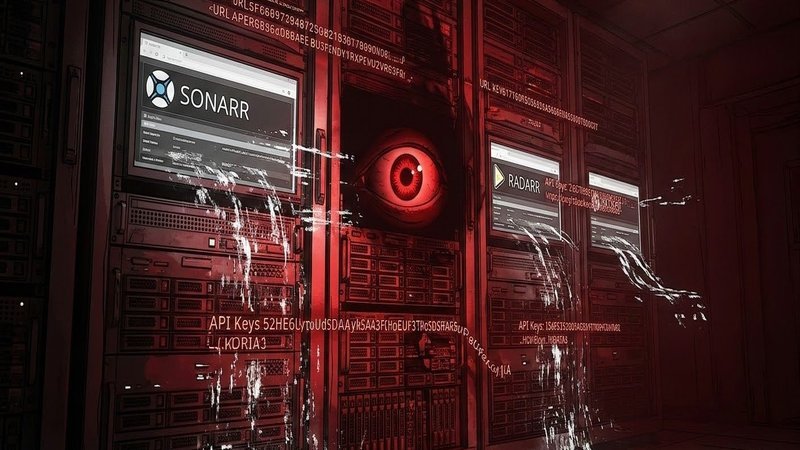
Those tokens are house keys, not movie tickets. If a random side project:
- Stores tokens in plain text,
- Sends them to a hosted backend,
- Or runs on a compromised VPS,
then your “fun little utility” just opened a door you might not know how to close.
Plex security is “good enough for home,” until you chain it to unvetted tools and a flat network that also holds your work laptop and your kid’s gaming PC. The real risk is not embarrassment about your watch list; it is someone pivoting from Plex into the rest of your home.
“Open source” Is Not a Safety Badge
Open source used to be a window into the kitchen. You could see if the cook knew what they were doing. Now AI can:
- Generate whole repos,
- Fake-competent docs,
- And vague security claims like “stores tokens securely” with no details.
The danger is not that everything is malicious. It is that many projects are naïve, abandoned, or misleading about access and storage. Naïve plus network access is enough to hurt you.
How I Decide What Gets Near My Network
When I see a “cool Plex tool,” I treat it like a threat assessment:
- Check the dev: history of projects, real issues, older activity, or a brand-new account with a slick logo?
- Check the access: local-only vs cloud callbacks, minimal scopes vs “full account control” for trivial features.
- Hard rules: closed source, unknown dev, wants a Plex token and internet access? That is an automatic no.
Anything that gets a token is assumed to leak it eventually. Experiments go on separate VLANs or subnets, never near devices I care about.
The rule I live by: if I would not install it on the same network as my family’s devices, I will not install it at all. You do not need every hyped Plex accessory; you need the boring, paranoid tools built by people who clearly worry about the same things you do.





Leave a Reply