
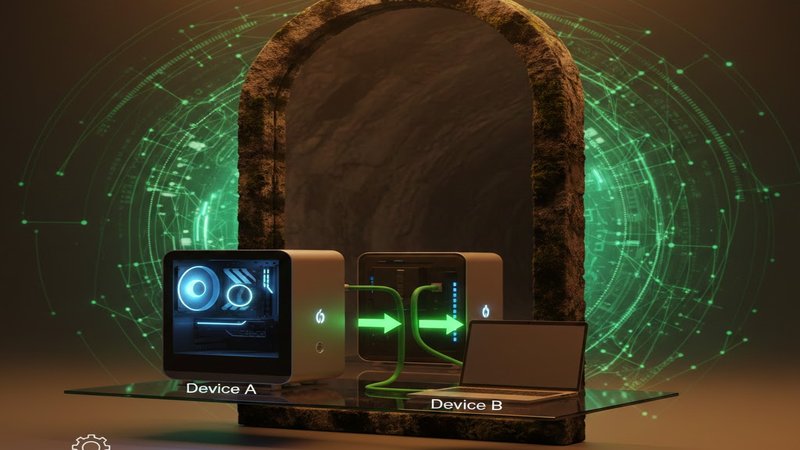
If you’re tired of slow upload times and security concerns, you might have hit a wall when it comes to transferring files between your devices. But fear not! There’s a better way. Try Filedropshare.
I was introduced to this peer-to-peer file transfer tool by my co-wroker who shared their positive experiences with me. He had tried using Filedropper before and found it surprisingly fast, even on his slow internet connection. It felt like moving files between devices became as simple as swapping hard drives!
Here’s the deal: Filedropshare uses a secure direct link to transfer your files from one device to another over peer-to-peer networks. This means that your data never leaves your local network, making it safe and easy.
Related: If you’ve ever wished for lightning-fast transfers without relying on cloud storage, then Filedropshare is the solution you’ve been looking for!
It’s like having a secret underground tunnel between your devices instead of using an intermediary server. This way, the transfer speed is limited only by your local network’s capabilities, which means you can upload large files instantly, and even entire hard drive backups.
Filedropshare works seamlessly across Windows, Mac, and Android devices, making it perfect for sharing with clients or colleagues who don’t have accounts on cloud services. No more pesky account creation processes or waiting in queue! You just simply navigate to the website on both sending and receiving devices, and voila – everything is ready.
I tested this tool by transferring a massive 5GB media folder from my Windows laptop to my MacBook Pro, and it was instant compared to the half-hour it would have taken with a cloud service. Plus, I no longer had that nagging worry about sensitive files being stored in the cloud, knowing they were never uploaded anywhere else.
With Filedropshare, you can now transfer entire hard drive backups or huge raw video projects without splitting them into smaller pieces and paying for enterprise-level cloud accounts.
Filedropshare is not just a tool; it’s a way to regain control over your data. While the cloud offers convenience and reliability, Filedropshare proves that you don’t need a giant tech company to complete file transfers. It’s a minimalist approach that cuts out all the digital clutter and friction. Now, I no longer have to worry about data breaches impacting my files during temporary file transfers or check my upload queue.
In conclusion, if you’re tired of slow uploads and security concerns, Filedropshare is the solution you’ve been looking for. It’s a simple, secure way to transfer files between your devices that never leaves your local network.
Give it a try; your file workflow will thank you!











Leave a Reply