Printer Apocalypse: Microsoft’s Driver Disaster

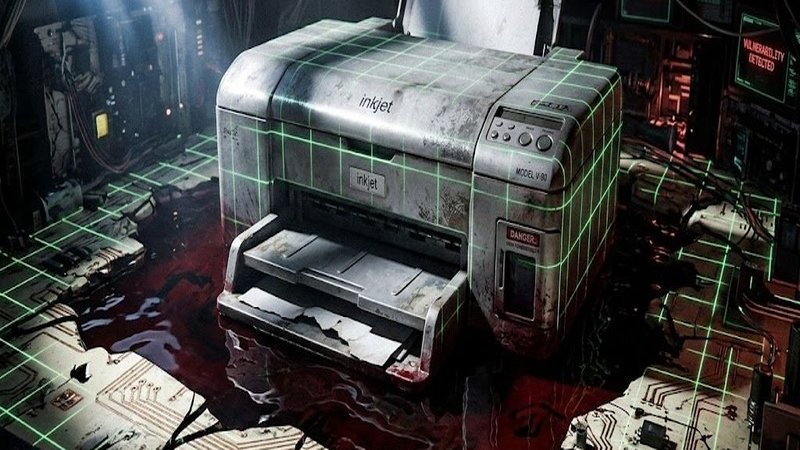
Read Time: 2.5 min.Listen, we’ve all been there. You’re standing in front of a printer that cost more than your first car, staring at a “Driver Unavailable” error message while the device mocks you with a blinking orange light. It’s the universal experience of modern betrayal. You bought the hardware, you pay for the ink that costs more than fine vintage balsamic, and yet, a software update from a glass tower in Redmond can turn your $400 office workhorse into a very specific, very heavy plastic rock. The Great “Oopsie” of 2026 Earlier this year, Microsoft decided to play God with your home office. They dropped a roadmap update that basically whispered, “Hey, those old printer drivers? They’re going to a farm upstate where they can run free… and by that, we mean they’re dead.” The internet, predictably, lost its collective mind. Why? Because while Microsoft engineers live in a world where everyone replaces their tech every eighteen months, the rest of us are still nursing printers from the Obama administration because, well, they still work. The Corporate “About-Face” After the pitchforks came out, Microsoft did what they always do when they realize they’ve accidentally insulted the people who pay their bills: they backtracked. Fast. They clarified that your legacy printers aren’t actually getting a “kill switch.” If it prints today, it’ll print tomorrow. The “about-face” wasn’t because they suddenly cared about your 2014 LaserJet; it’s because the Enterprise world—the banks, the hospitals, the government—basically told them, “If you break our printers, we aren’t buying your new Windows licenses.” Money talks, and Microsoft suddenly found its hearing. Why They Tried It (The “Security” Scapegoat) To be fair to the nerds, they have a reason. Old printer drivers are essentially digital screen doors for hackers. There’s a famous vulnerability called PrintNightmare that keeps security experts up at night. Microsoft wants to move everyone to a “driverless” system called Mopria/IPP. It’s cleaner, it’s safer, and it doesn’t require you to download a 300MB “Print Suite” just to scan a receipt. The problem is that Microsoft’s “My Way or the Highway” approach forgot that some people actually need those old, bloated drivers for things like specialized tray switching or high-end color calibration. The New Reality: A Slow Sunset So, what’s the actual deal? You aren’t losing your printer, but the relationship is getting “complicated.” No more auto-updates: Windows won’t be hunting down new versions of your old drivers. The “Generic” Default: When you plug in a new printer, Windows will try to give you its basic “one-size-fits-all” driver first. Manual Labor: If you want the fancy features, you’re going to have to go to the manufacturer’s website and download the installer yourself like it’s 2005. I will end by saying this: Microsoft’s attempt to “secure” us by breaking our stuff is the peak of corporate arrogance, but at least they’re smart enough to duck when the shoes start flying. For the general public, this is a “Neutral-leaning-Good” result. Your hardware stays alive, but you’re going to have to be a little more tech-savvy to keep it running perfectly. What can we take from this? Simple: never trust a “roadmap” and never throw away your USB cables. What do you think? Is Microsoft actually trying to protect us from hackers, or are they just tired of supporting old tech? Drop a comment below and let’s talk about the last time a printer made you want to reenact the scene from Office Space.




Leave a Reply