
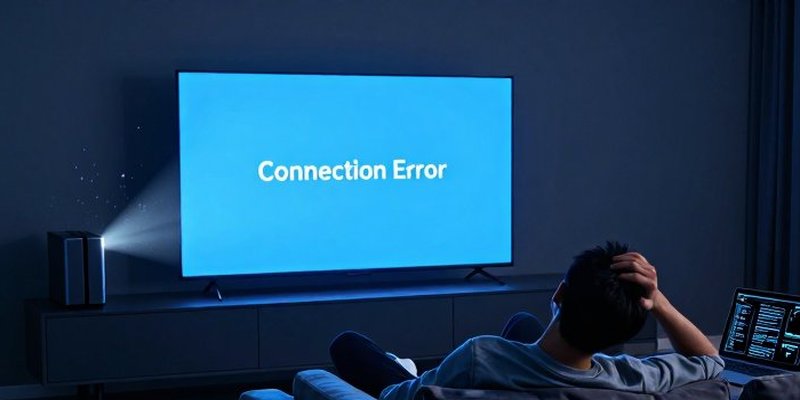
Last Friday in my house, Plex decided to teach me a lesson.
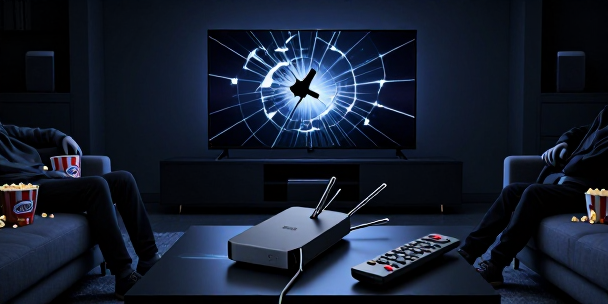
Internet was flaky, Plex’s auth servers were having a moment, and I figured, no big deal, I run my own media, on my own server, on my own network. I have local auth disabled, IP ranges whitelisted, all the usual sysadmin chest thumping. Laptop worked. Phone worked. Then I grabbed the remote, fired up the Plex app on the LG TV in the living room, and it just stared back at me like I had asked it to do calculus. No server, no library, nothing.
That is the moment you realize how fragile ‘owning’ your media feels when the playback layer behaves like a subscription service. The bits are yours, but the path to them is rented from someone else’s idea of ‘online first.’
Smart TVs, Dumb Dependencies
The LG runs webOS, which sounds like a platform but often feels like a barely disguised browser glued to some vendor APIs. When Plex‘s auth API goes sideways, that TV app acts like the whole world is on fire. It will not load, even though the server is sitting ten feet away under the stairs pushing clean gigabit over Ethernet.
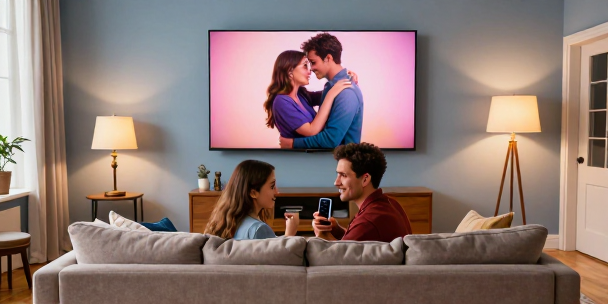
My wife just wants to watch her show after work. She does not care about API outages, DNS failures, or certificate chains. She sees that Netflix works, YouTube works, and Plex suddenly looks like the unreliable, nerdy side project I have been hyping for years. At that point, she is not mad at Plex. She is quietly evaluating whether my little home media obsession is worth the friction.
You can be technically right and still feel like the clown in your own living room.
Local Media, Cloud Rules
The funny part is that the files themselves are fine. They are just sitting on the NAS in the office, humming along on ZFS like nothing happened. From my desk, I can open them in VLC, Kodi, Jellyfin, whatever I want. On my phone, the Plex app finds the server locally and plays without complaint.
The TV, though, behaves like a remote client even on the LAN. It wants Plex’s cloud to confirm who I am and where my server lives before it will do anything useful. When that step breaks, it is game over. The dependency chain is baked into the app, and the app is welded to the TV’s idea of online.’
So while the content is absolutely mine, the experience is rented.
Why I Keep Backup Paths
This is why I keep Jellyfin running in parallel and DLNA quietly enabled, even if nobody else in the house ever clicks those icons. Redundancy is not just about disks and power supplies. It is about playback paths and not trusting any single gatekeeper.
If Plex is down and the LG Plex app refuses to cooperate, I am not explaining SaaS dependencies to a room full of teenagers. I am swapping to a Chromecast, Shield, Fire Stick, Apple TV, or straight up opening VLC. Anything that talks directly to the server without phoning home first earns a permanent HDMI slot.
The streaming box might be cheap plastic, but the independence it gives me from any single vendor is priceless.
Owning Files vs. Owning Access
You absolutely own your media if the files sit on disks in your house. What you do not automatically own is smooth, offline, family-proof access to that media.
Owning access means:
- Choosing apps and hardware that work locally first.
- Treating Plex as the pretty front door, not the only door.
- Keeping Jellyfin or Kodi as a fallback and DLNA as the ugly but reliable escape hatch.
- Preferring cheap, replaceable streaming boxes over whatever your TV vendor bolted on.
Plex stays a net positive in my house, but only because I stopped pretending it was the sole gatekeeper and started treating playback as infrastructure I design, not a service I beg to behave.

Leave a Reply