
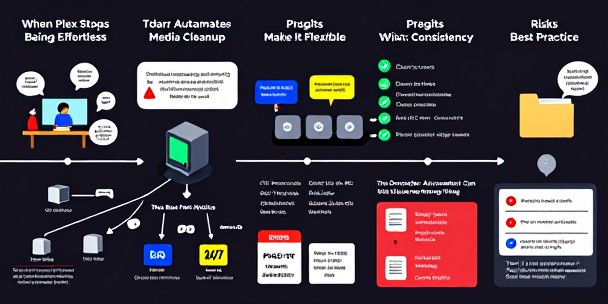
I noticed the problem at my desk, not in a dashboard. Tdarr is a net positive for people who already care about their media library.
It is not magic, though. It is a distributed HandBrake, with a central server and one or more nodes doing the actual work. In my house, that matters because I would rather let spare hardware grind through cleanup jobs quietly than manually inspect files one by one.
The Best Part Is The Node Setup
The server-and-node model is the thing I like most. Tdarr Server coordinates the work, while Tdarr Node runs on the same machine or another device and pulls jobs from the queue. That means an old desktop, a Linux box, a Docker container, or even a macOS machine can contribute instead of sitting around doing nothing useful.
That is practical power, not dashboard decoration.
The worker setup is also sensible. You can separate CPU and GPU transcoding from CPU and GPU health checks, then control workers manually or through scheduling. If my son is gaming or downloading something huge, I do not want the whole network and every GPU cycle being eaten by media cleanup. A seven-day, twenty-four-hour scheduler makes that kind of household compromise easier.
Plugins Make It Flexible, But Not Simple
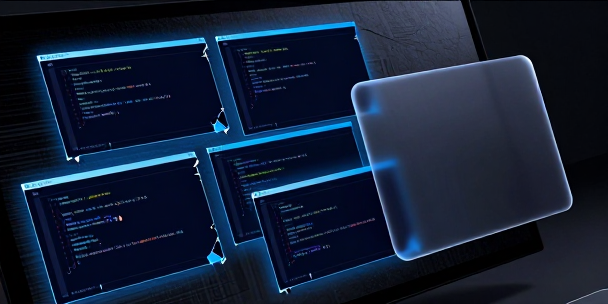
The plugin stack is where Tdarr becomes interesting. You can build a chain that says, for example, convert non-HEVC video to HEVC, remove unwanted subtitle streams, strip title metadata, add AAC stereo audio if needed, and remove closed captions. Each plugin is conditional, so the system should only act when the file actually needs attention.
That is exactly the right philosophy for automation.
Still, the flexibility comes with a learning curve. The plugins are written in JavaScript, and while community plugins cover a lot of common cases, the moment your habits get specific, you may end up tweaking logic yourself. I like that because my setup is picky, but I would not pretend it is as simple as clicking one “make everything perfect” button.
The Real Win Is Boring Consistency
The best media servers are boring. Files direct play. Audio works. Containers are predictable. Metadata does not create ugly surprises in Plex or whatever front end you prefer.
Tdarr helps get there by standardizing codecs, containers, languages, audio streams, and subtitle behavior across a library. The common H.264 to H.265 use case is obvious because the potential storage savings can be around 40 to 50 percent, depending on the files and settings. But for me, the quieter benefit is reducing weird playback edge cases.
That matters more than one flashy transcode.
The Downside Is You Can Over-automate
I am skeptical of any tool that makes destructive changes feel casual. Removing subtitles, audio tracks, metadata, or closed captions can be smart, but it can also be a mistake if you do not understand what you are deleting. My wife will not care that the plugin stack was elegant if the one subtitle track she needed is gone.
Automation should have a leash.
Health checks, job reports, property search, and library stats help, but they do not replace judgment. I would test Tdarr on a small sample before pointing it at a serious library.
Once the rules are right, though, it becomes the kind of background tool that saves time without demanding constant attention.










Leave a Reply