Windows 11 25H2: Say No to OneDrive Cloud Backups

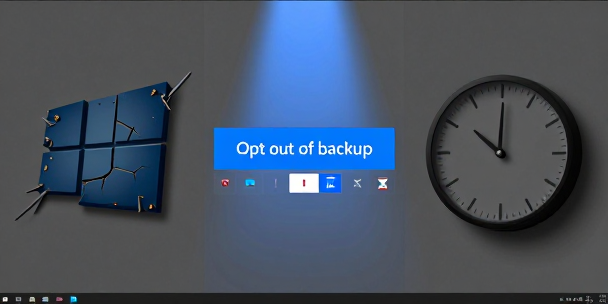
Read Time: 1.5 min. Windows 11 users say a permanent no to Windows 11 25H2, a clear “Opt out of backup” button gives PC owners actual control over their own storage choices. A overdue victory for basic user choice I recall back when software companies actually respected a simple “No” the first time you clicked it. Somewhere along the line, tech giants decided that user consent was just a minor hurdle to bypass with clever interface design. Sitting at my desk and watching Windows try to nudge my personal files into the cloud felt like dealing with a persistent salesman who refuses to leave the porch. Forcing users into cloud synchronization under the guise of convenience has always been a bad deal for people who prefer local control. The long history of persistent software nudges We have seen this pattern play out repeatedly over the last two decades. When Internet Explorer lost its dominant market share, Microsoft used aggressive setup prompts to push Edge. Apple spent years nagging iOS users to upgrade iCloud storage tiers every time their local device ran out of space. The industry learned that if you obscure the exit button long enough, most people will eventually give up and click accept. Why local storage still matters on my setup Cloud backups sound great until you realize what actually happens behind the scenes. If you have a massive library of local data, sending hundreds of gigabytes over a standard home connection can saturate your network bandwidth for days. My son constantly complains about lag in Minecraft whenever a background process starts eating up our upload pipe, and locking local system folders into cloud sync only makes those network bottlenecks worse. Restoring sanity to system notifications Giving users a clean, permanent opt-out button is a solid step toward a more respectful desktop experience. Windows should focus on being a reliable operating system rather than an advertisement vehicle for subscription services. While cloud backups remain useful for plenty of people, keeping full control over where your personal files live ought to be the default standard for any desktop software.









Leave a Reply