ShareX Screenshot Tool: Free & Powerful?

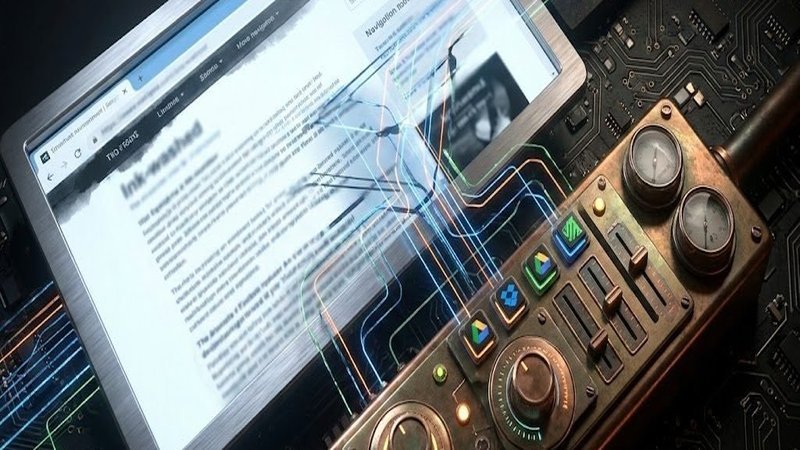
Read Time: 2 min.It’s like a digital black hole, isn’t it? You look down, you can’t quite grasp the bottom, but that’s where the good stuff is. And that’s what I wanted to talk about today – a tool called ShareX. A friend of mine, let’s call him Ben, stumbled across it, and honestly, he’s onto something. It’s a screenshot tool, but it’s… different. Let me explain why this matters. First, it’s open-source. Seriously, that’s a huge deal. You can actually see how it works, right there on GitHub. It’s been around since 2007, originally called ZScreen. And it’s free. That’s the first thing that grabbed me. Most of these screenshot tools are either ridiculously expensive or packed with features you’ll never use. That’s just… exhausting. What it actually does is pretty impressive. It’s not just a button that takes a picture. You can do full-screen captures, capture specific regions, even scroll screenshots – like you’re actually reading something and want to capture the whole page. And it records GIFs and videos, using FFmpeg. It sounds terrifying to some, I know, but apparently, it works great. They’ve even built in a little image editor – you can slap on borders, watermarks, the whole nine yards. You know that feeling when you’re scrolling through something and you just need to capture it perfectly? This tool gets it. The reviews are pretty consistent. People are saying it’s incredibly flexible, and again, it’s free. Capterra and G2 are full of users raving about how it’s perfect for teams, students – anyone who needs to quickly capture and share information. TechRadar gave it a 4.5 out of 5, and Lifehacker calls it the “Best Screenshot Tool for Windows.” Seriously, that’s a pretty bold statement. It’s like, “Okay, I just captured this, now it’s going somewhere.” That’s the key difference, I think. Now, it’s not perfect. It’s not like Lightshot, which is super fast and easy to use for just grabbing a quick screenshot. ShareX is more… layered. It’s designed for workflows. You can take a screenshot, immediately annotate it, and then automatically save it to Google Drive or Dropbox. It’s like… they’re messing with the plumbing, you know? The stuff that happens in the background, the stuff we’re not supposed to think about. I’ve opened my inbox and just stared at it, wondering where to start. It’s overwhelming. I looked at Greenshot too, and it’s good, but ShareX feels more… robust. More like it’s built for the long haul. It’s not just about saving. It’s about automating things. You can set it up to do a bunch of stuff automatically. You know, like a tiny, digital assistant. You can download it from getsharex.com, or the Microsoft Store, or even Steam. Honestly, it’s everywhere. So, yeah. ShareX. It’s a bit of a beast, but it seems genuinely useful. I don’t know. Maybe I’ll pick privacy. Ask me again next week, I might change my mind. In the end, it’s about finding the tools that actually help you, right? We can push back. We can choose how we use this. And honestly, that’s all that really matters.




Leave a Reply