
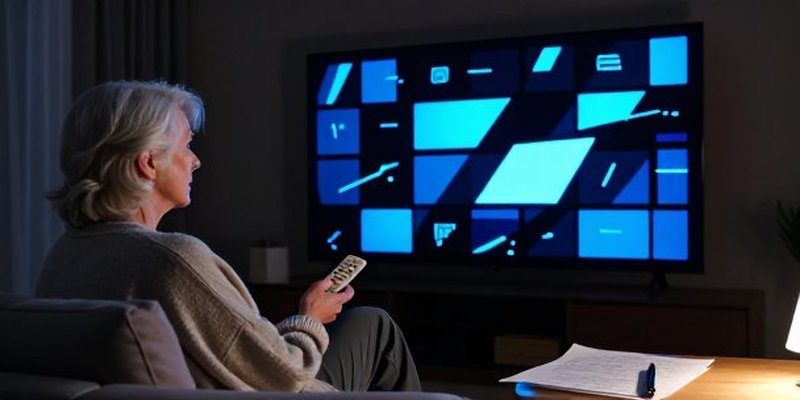
We have all been there trying to help older relatives save a few bucks by dragging them out of the expensive clutches of streaming platform for seniors rarely goes as smoothly as the marketing promises.
If we are being honest, this whole migration is a net negative for that specific generation because it completely dismantles decades of deeply ingrained user habits.
The Death of Muscle Memory
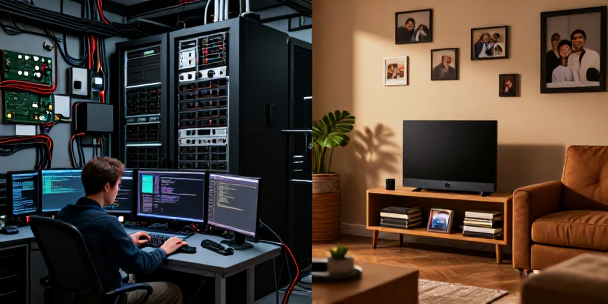
In my house, I manage a pretty tight local setup and enjoy tinkering with interfaces, but my wife prefers things to just work the second she picks up the remote.
When you strip away standard channel numbers and those dedicated up and down buttons, you are not just changing a service.
You are destroying decades of muscle memory.
Forcing an eighty-five-year-old to navigate an app ecosystem just to find local news is a recipe for frustration.
The Home Screen Mess
The biggest offender here is the way these modern live TV apps boot up.
Instead of taking you straight to a live broadcast like a traditional box, they dump you into a chaotic grid of algorithmic recommendations, profile selections, and sponsored content hubs.
My son can fly through menus like that when he is gaming on his rig, but it is absolute sensory overload for someone who just wants to watch a specific show.
Until these streaming companies build a dedicated homelaunchscreenisawful/” target=”blank” rel=”noopener noreferrer”>DirecTV Stream with a proprietary Gemini box.
Even though it costs more money, that specific hardware includes a remote control with physical number buttons to mimic the classic cable experience.
If you are determined to stick with a cheaper service on a standard streaming stick, your best move is to log into their account and completely butcher the channel lineup.
Hide every single piece of fluff they will never watch, shrink the guide down to their top five favorite networks, and place the app at the very front of the home screen layout.
The Living Room Cheat Sheet
Do not underestimate the power of analog solutions in a digital world.
Once the interface is as clean as possible, you need to grab a physical pen and a piece of paper.
Write down a literal step-by-step navigation script and leave it sitting on the side table by the couch.
Because when the app inevitably updates or logs them out three months from now, that piece of paper will be the only thing saving you from a late-night tech support phone call.









Leave a Reply